
The quick answer
Match the headphones to your main device and listening routine, then judge comfort and controls before extra features.
In this guide
Choose the main job first · Trace the connection from end to end · Give comfort enough time · Check the controls you will use daily · Compare the whole ownership experience
The headphones that look right in a product photograph may not be the pair you enjoy using at home. A useful shortlist starts with your main activity: listening to music, watching television, joining calls or playing games. Think about the complete setup, including the device that sends the audio.
Choose the main job first
Write down where you will listen and what you will connect to most often. If calls are important, include microphone use in your comparison. If you watch television, check the television’s audio outputs and supported connection methods before choosing headphones.
Try not to turn every occasional use into a mandatory feature. Prioritize the activity you do most and decide which compromises are acceptable for the rest. This makes a shortlist easier to compare than a collection of unrelated specification claims.
Trace the connection from end to end
Confirm that the headphones and source device support the connection you intend to use. For a wired setup, check the actual ports, cable and any adapter. For wireless use, consult the documentation for both products, including any feature-specific requirements.
The Bluetooth SIG distinguishes Classic Audio from LE Audio. That is a reminder to verify named audio features rather than assuming every Bluetooth product supports the same capabilities. Check the exact combination you plan to use, particularly when a feature matters enough to influence the purchase.
Give comfort enough time
Consider weight, headband adjustment and the space around your ears. If possible, try the headphones for a realistic session rather than making a decision after a few seconds. Glasses, hair and your usual seating position can change how a pair feels.
Look at replaceable parts and storage, too. Ear cushions, cables and charging accessories are practical ownership details. Check whether the manufacturer lists suitable replacements for the model, and avoid assuming parts fit simply because two products look similar.
Check the controls you will use daily
Work out how you will change volume, pause audio, mute a microphone and switch devices. Physical buttons, touch controls and app settings each suit different preferences. Read the control instructions and decide whether the common actions seem clear to you.
If you need to move between a computer and phone, verify how that specific model manages the transition. Test the behavior with your applications during any applicable return period. A feature name alone does not describe every detail of a real workflow.
Compare the whole ownership experience
Check the charging method, the stated conditions behind battery claims and whether the functions you need work in your intended mode. Think about where the headphones will rest between sessions and how the cable or charger will reach that location.
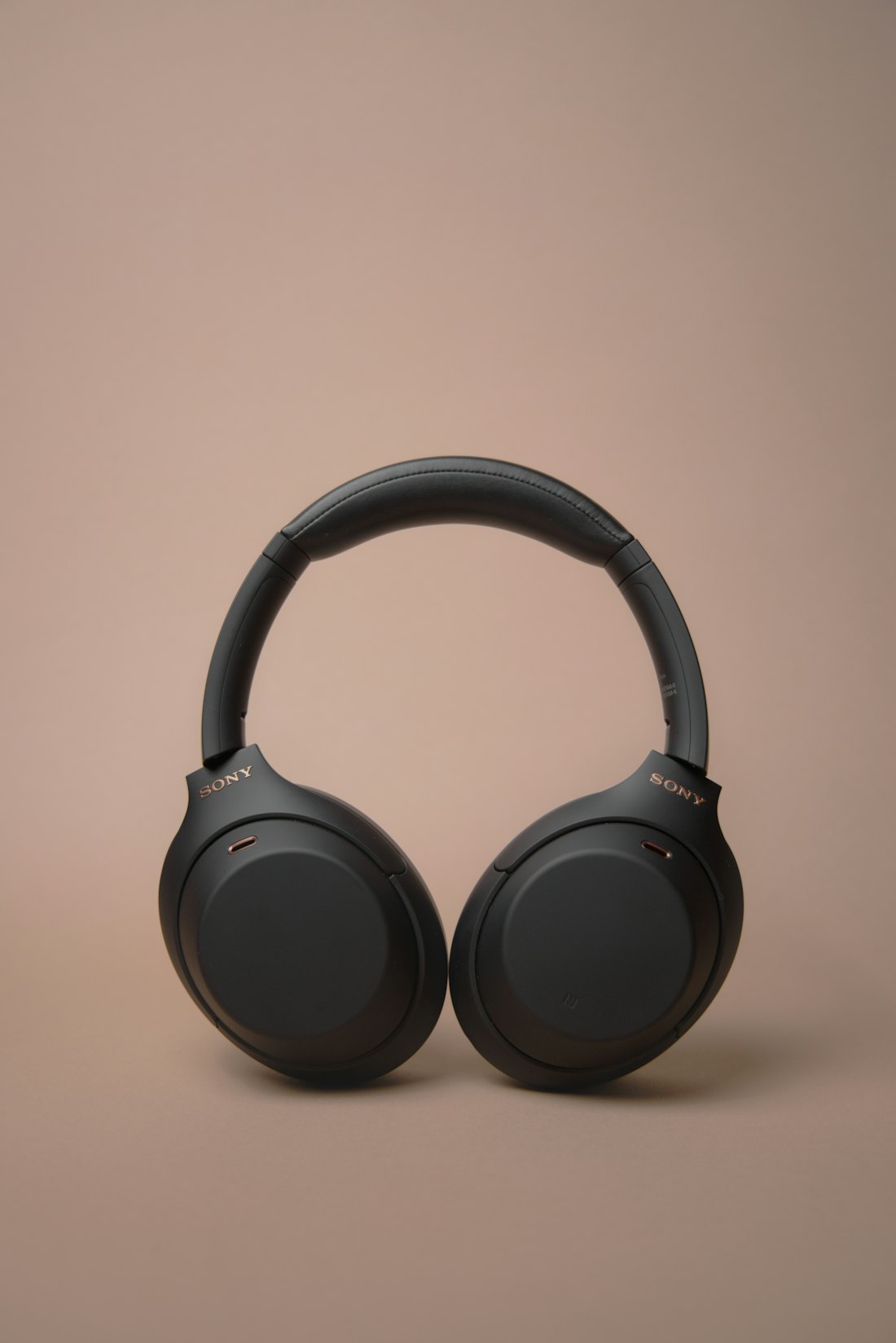
Finish with a short checklist: main device, main activity, connection, comfort, controls and upkeep. Choose the pair that fits those answers. This is a purchasing framework, not a sound-quality ranking or a claim that any photographed model has been tested.
Wireless noise-cancelling headphones to compare
Affiliate disclosure: As an Amazon Associate I earn from qualifying purchases. We may earn a commission if you buy through the links below, at no extra cost to you.
These three options suit a shortlist for wireless home listening. Compare comfort, controls and source-device compatibility; for television use, verify Bluetooth support and audio delay with your exact setup.
Sony WH-CH720N
An over-ear wireless noise-cancelling model with multipoint connection support. Consider it when switching between a phone and computer matters, then check microphone behavior in your usual calling app.
Bose QuietComfort Headphones
The linked black model is the standard QuietComfort wireless noise-cancelling headphone. Compare the ear-cup fit and physical controls for longer listening sessions, and check the connection needed by your main device.
Cleer Audio Enduro ANC
The linked Dark Navy model is another wireless noise-cancelling option with multipoint support. Compare its charging routine and controls with the other two, and confirm the connection path if television listening is your main use.
Product details were checked against the linked listings on September 22, 2026. Confirm the selected variant, specifications and availability on Amazon before ordering.